







































































































































































































































































































































































































































































































































































































































































































































































































































































































































































































































































































































































































































































































































































































































































































































































































































































































































































































































































































































































































































































































































Pixel 11 Pro XL review: Snappier cameras can’t hide an iterative upgrade

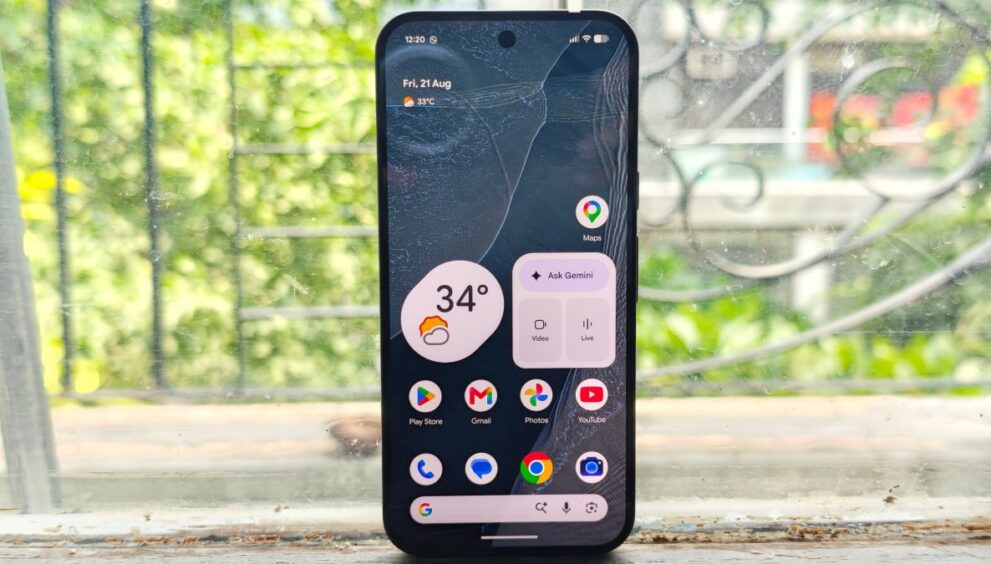
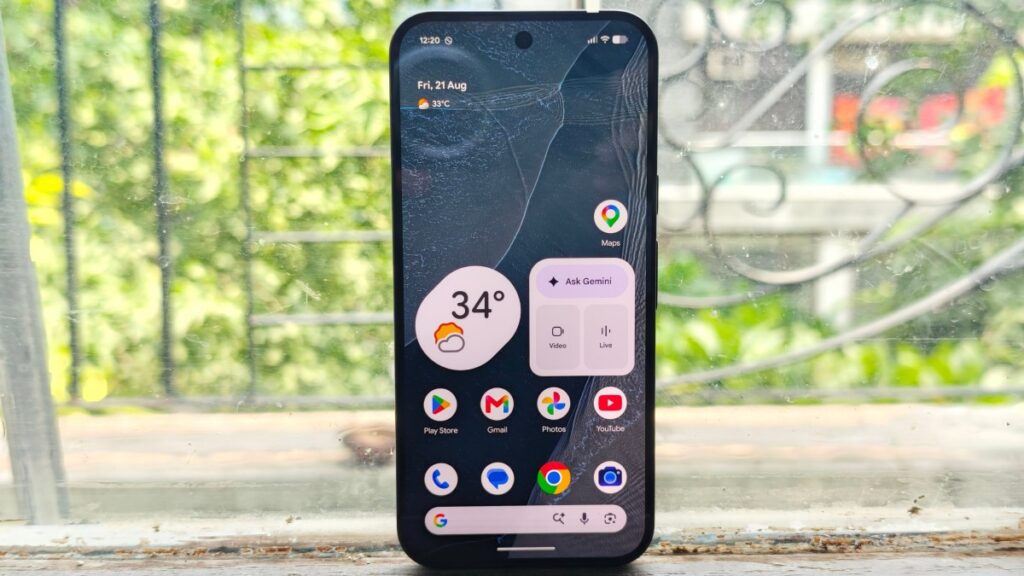
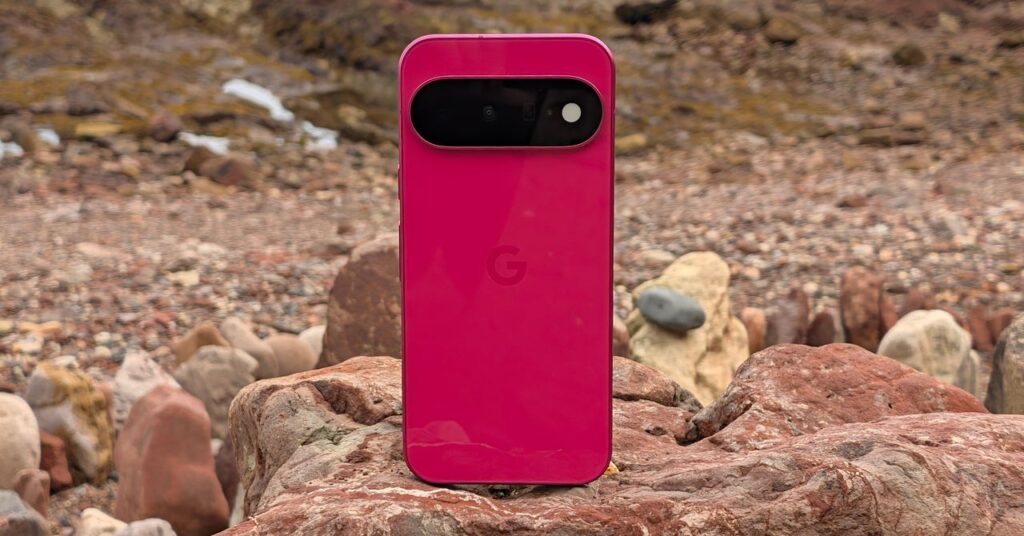
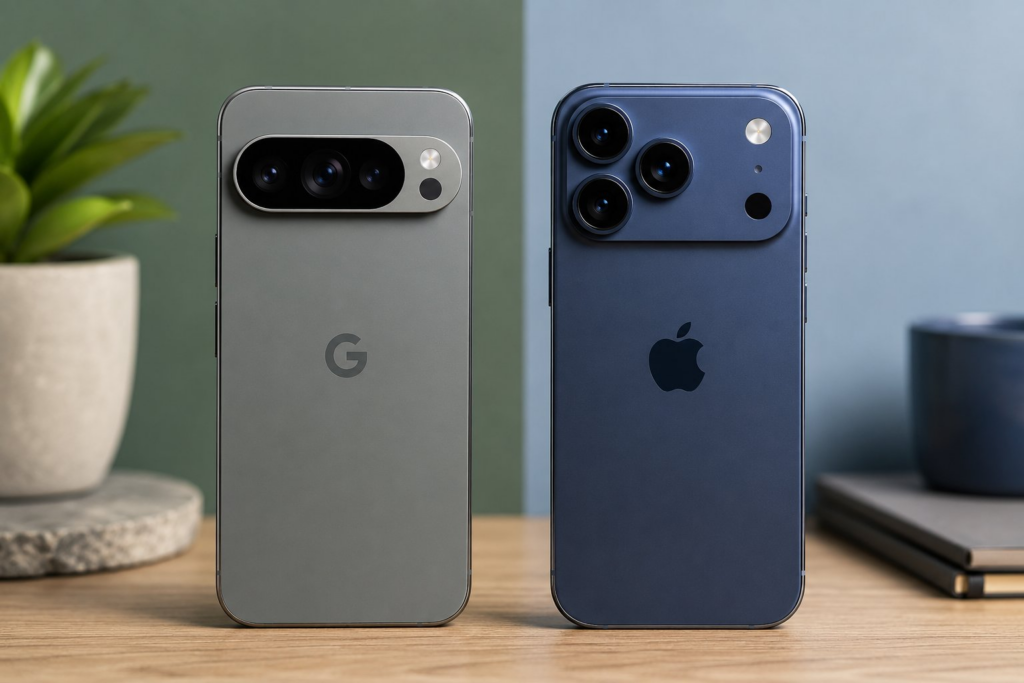
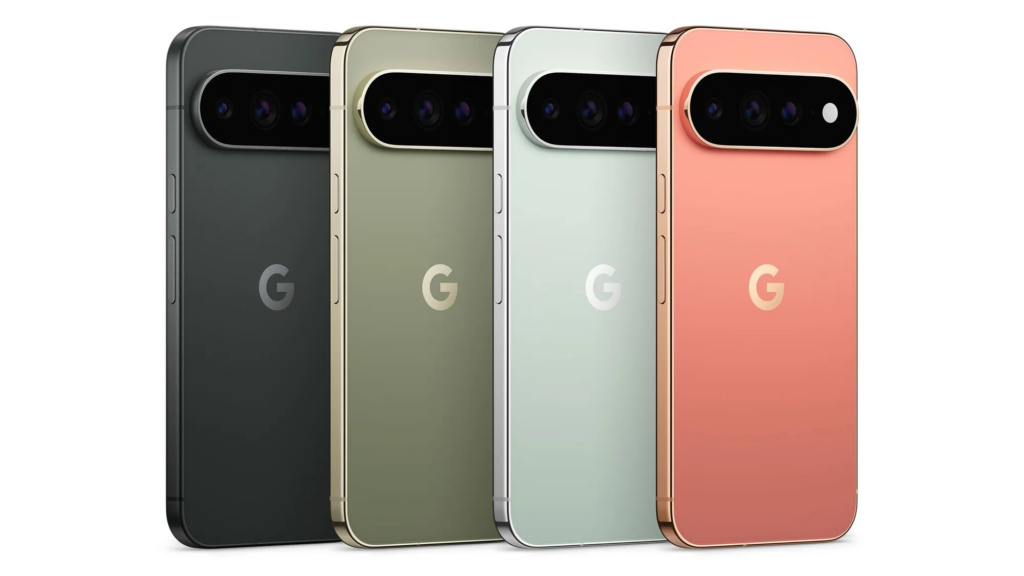
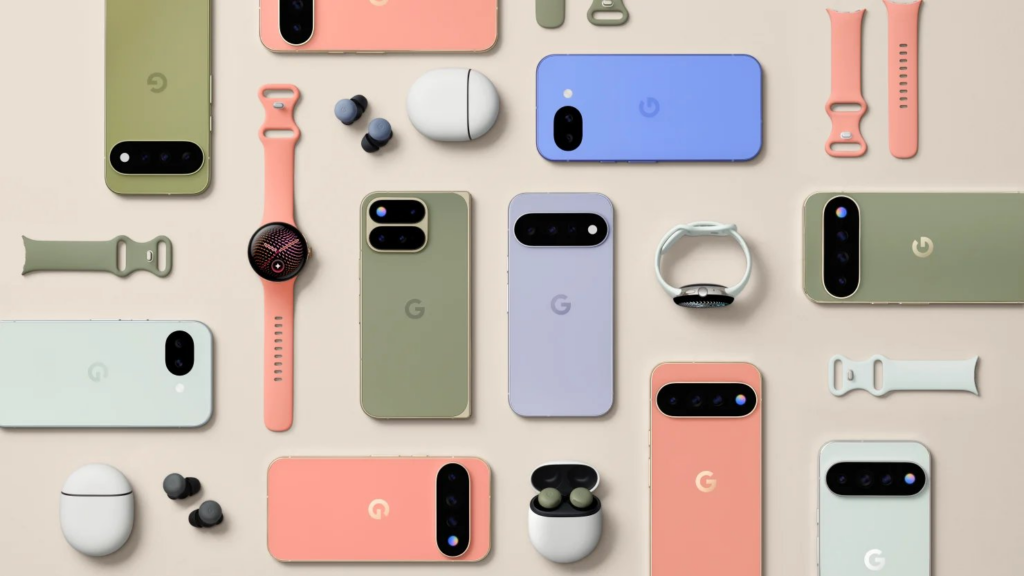
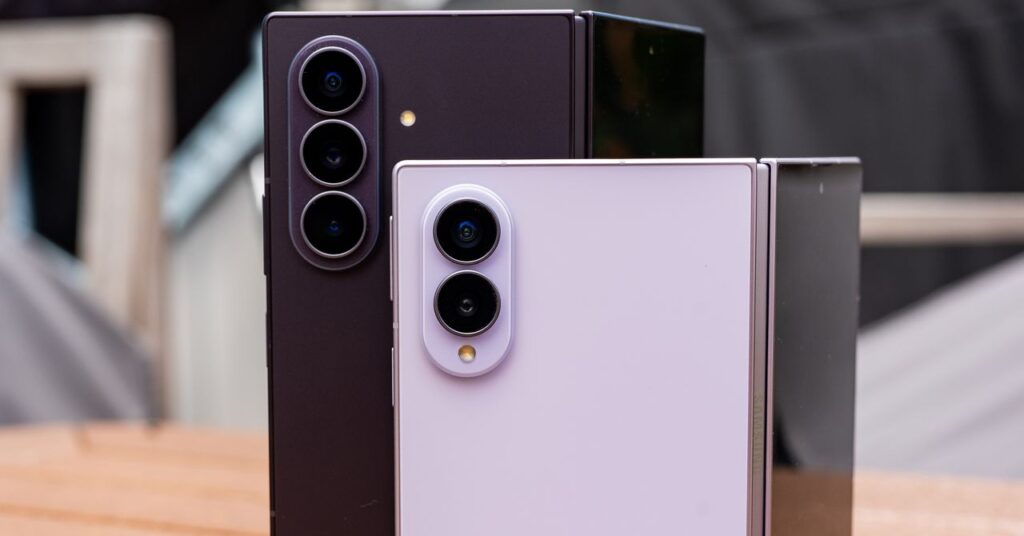
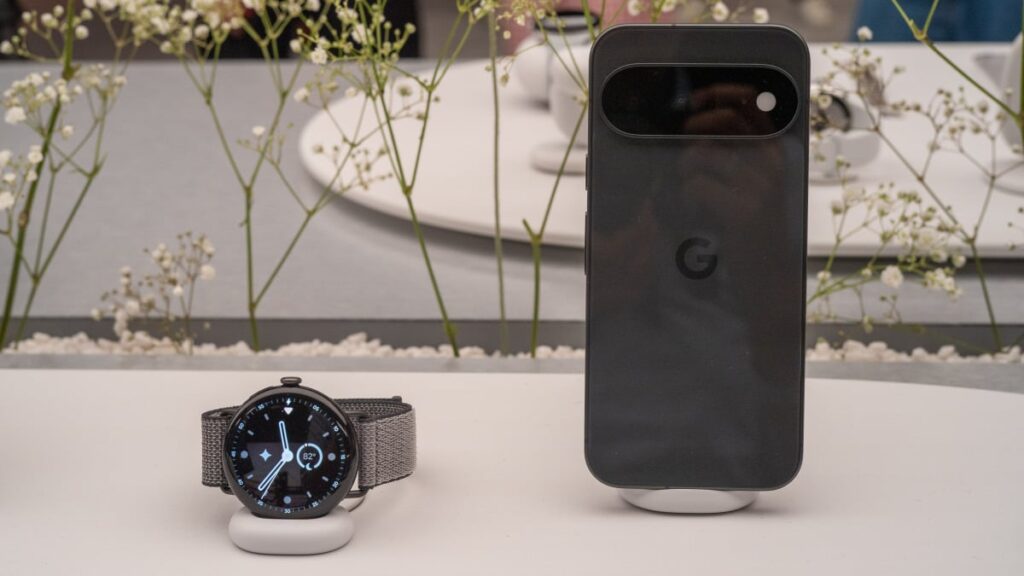
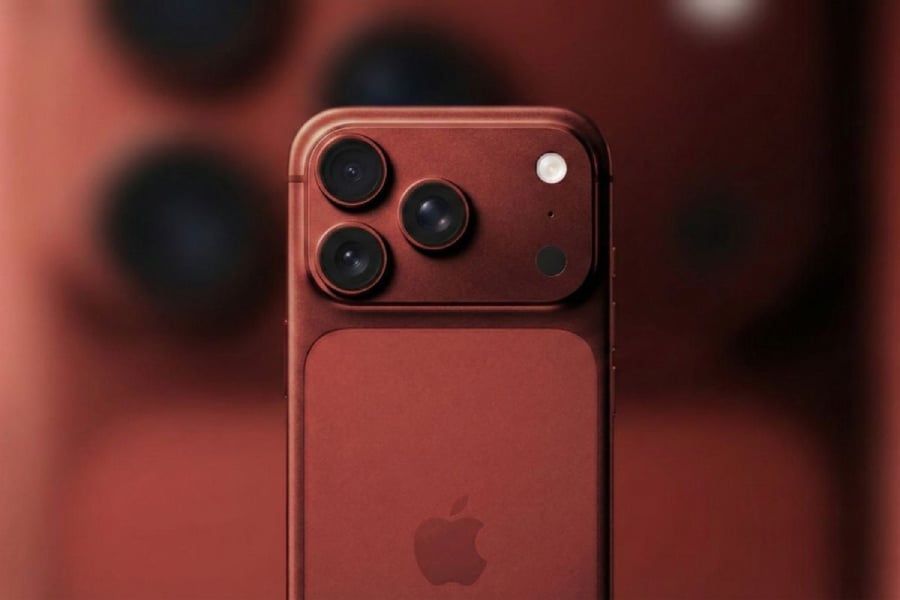
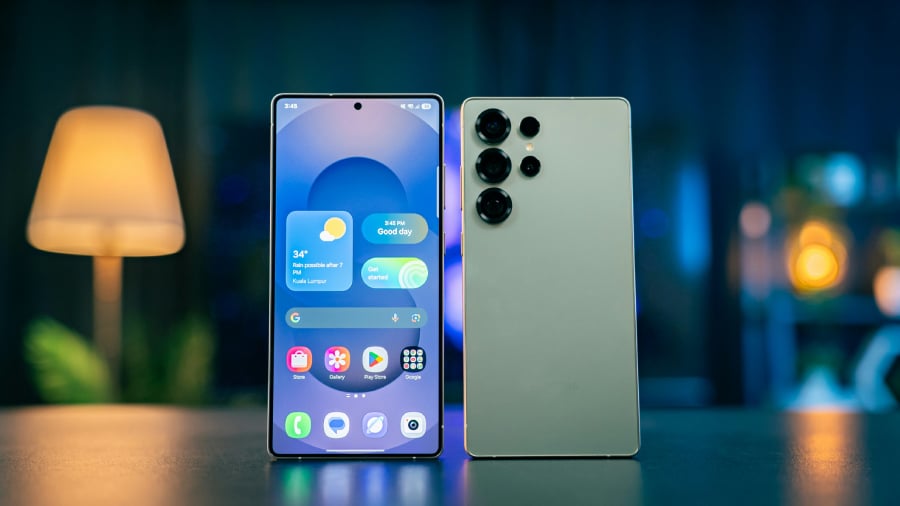
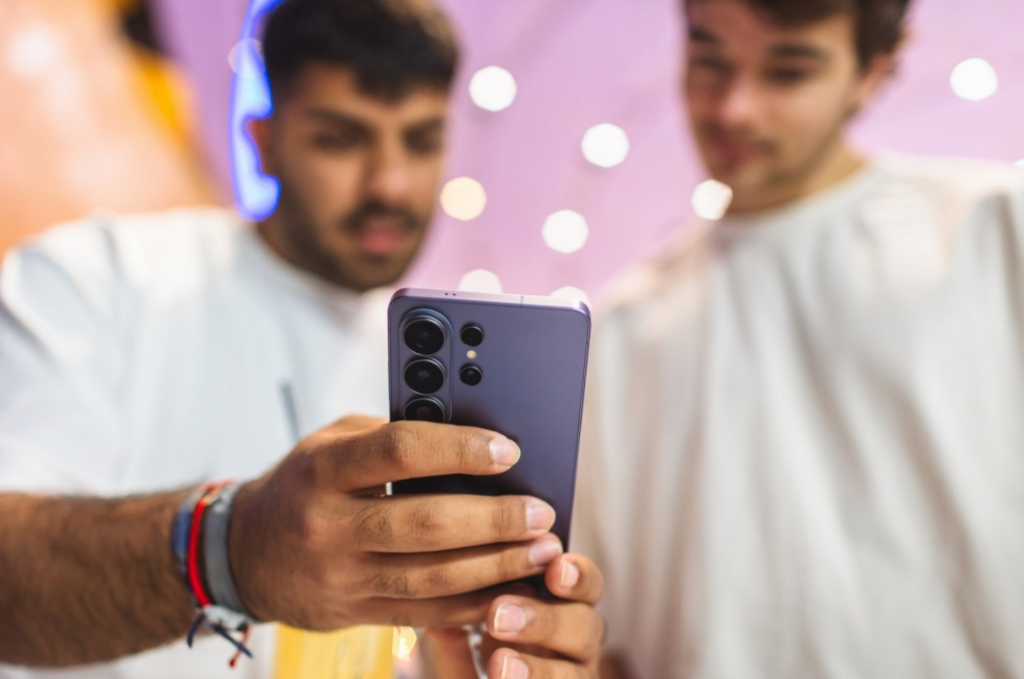
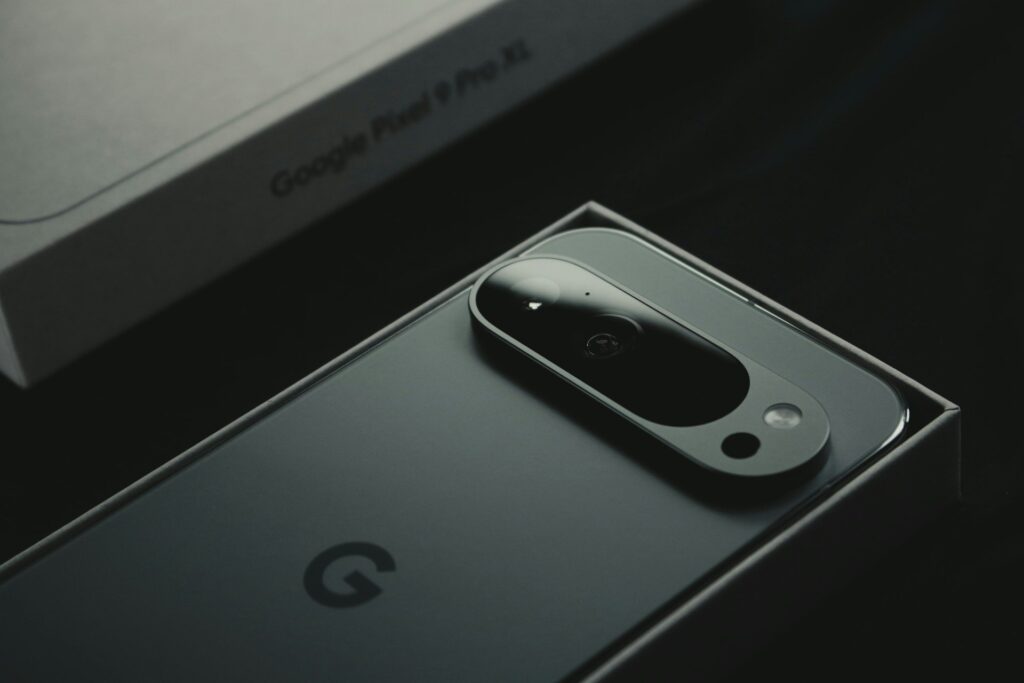
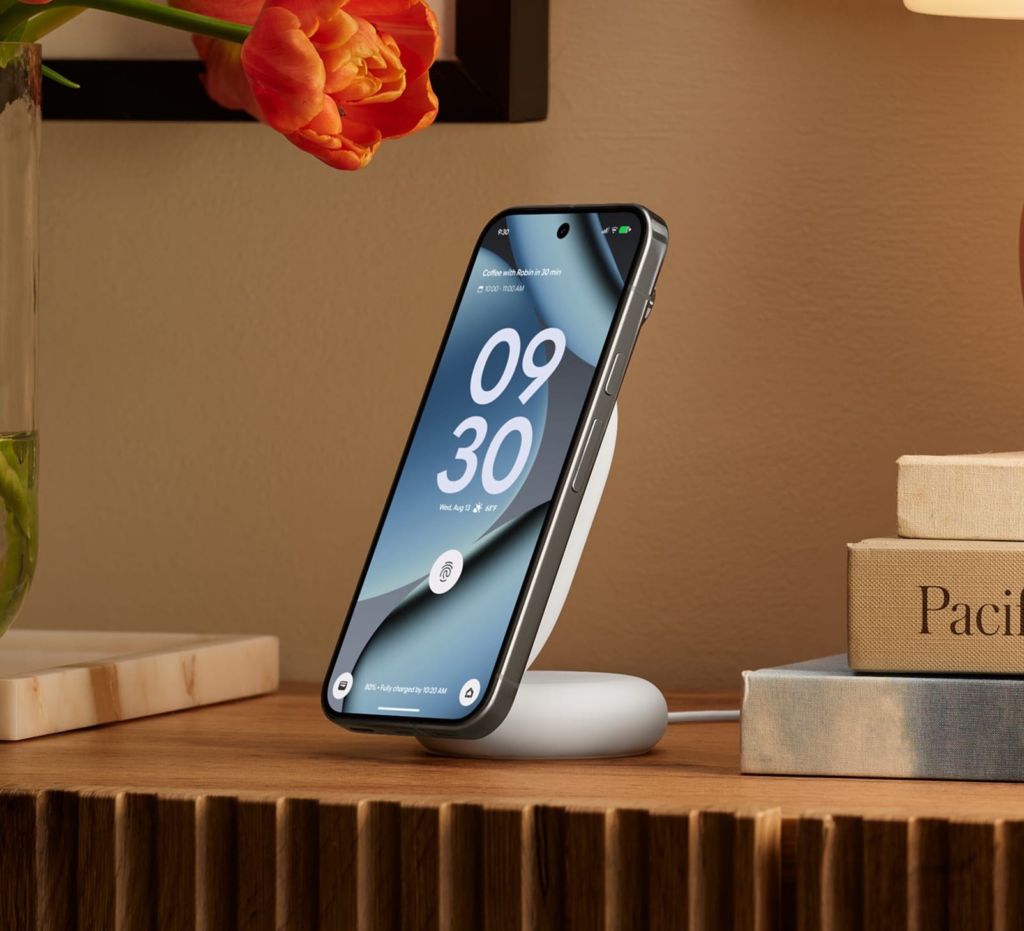
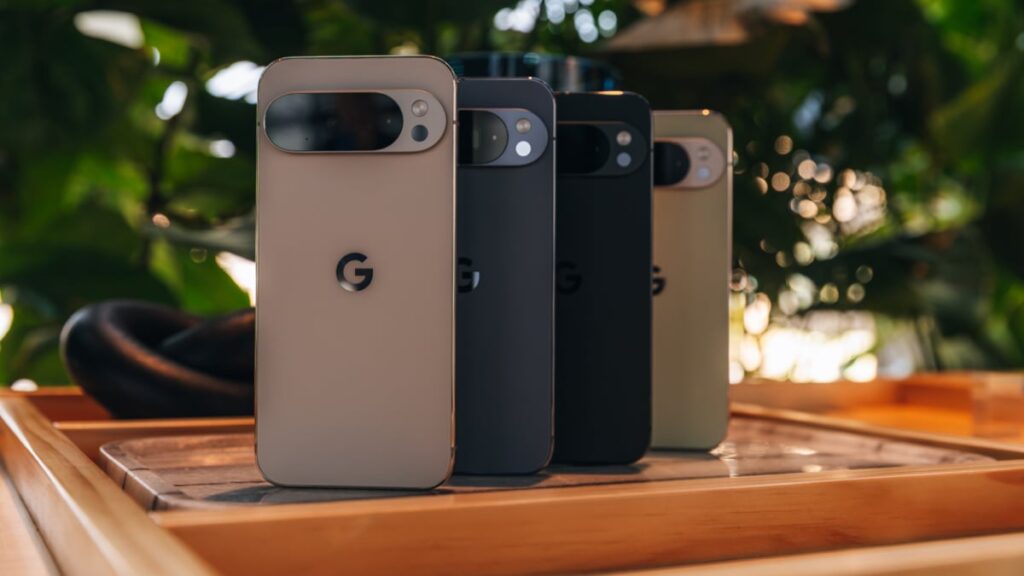
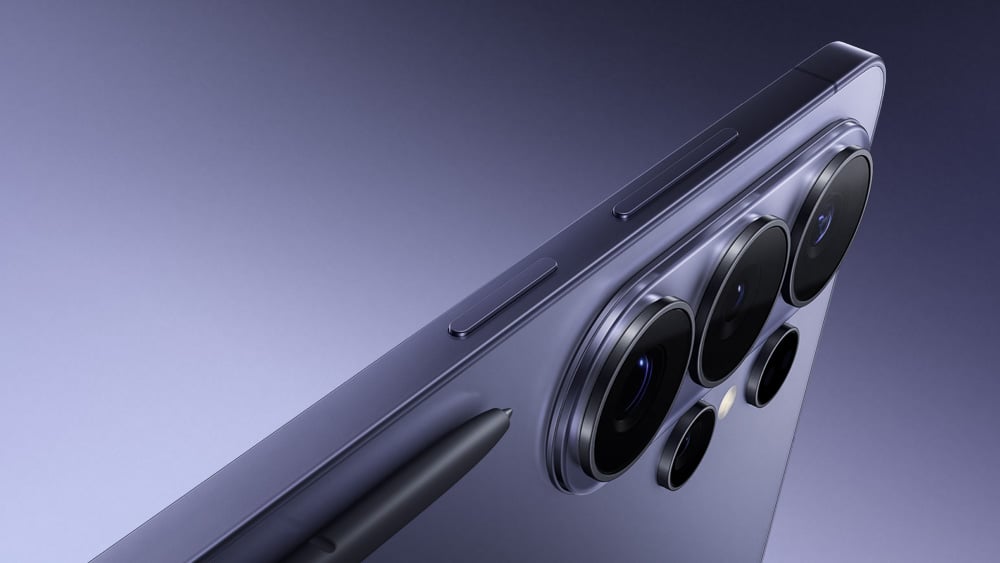
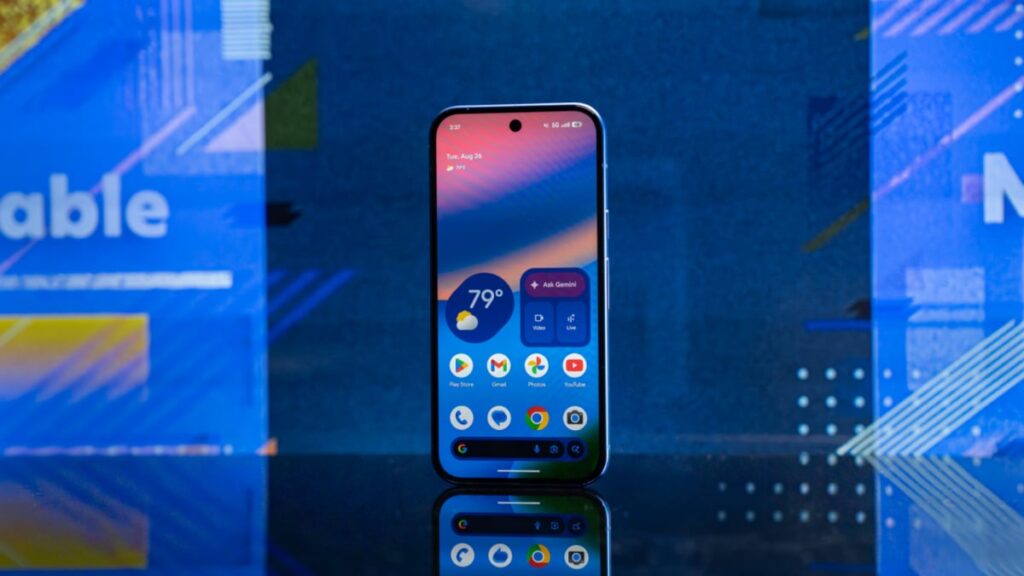
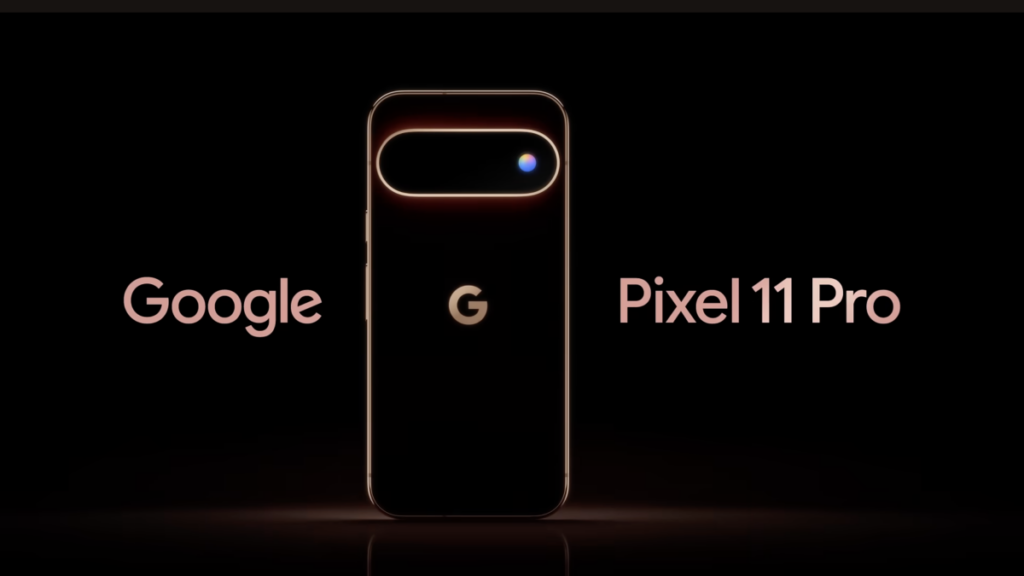
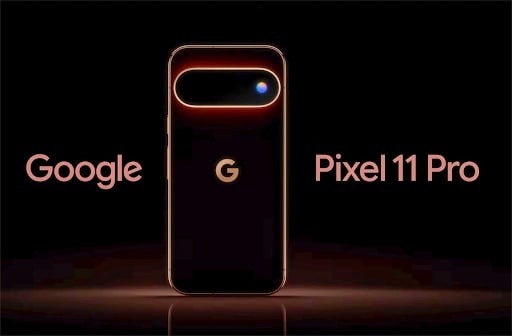
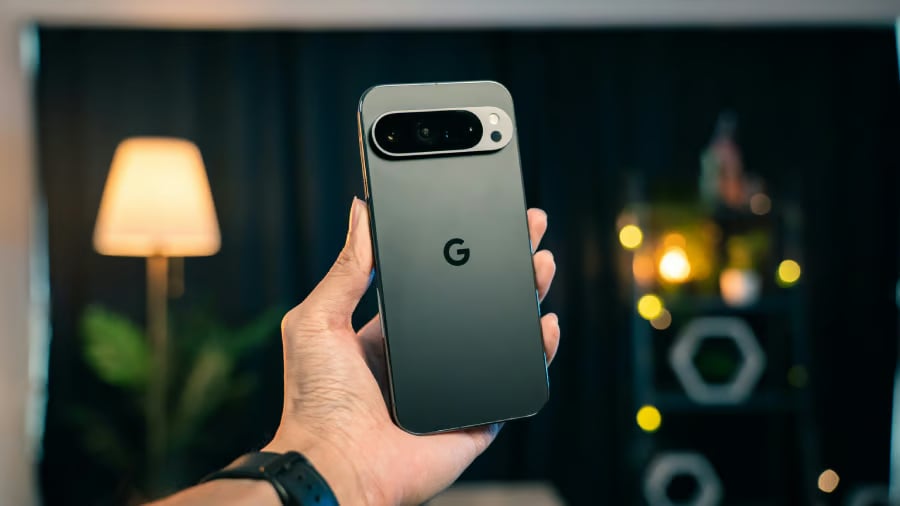
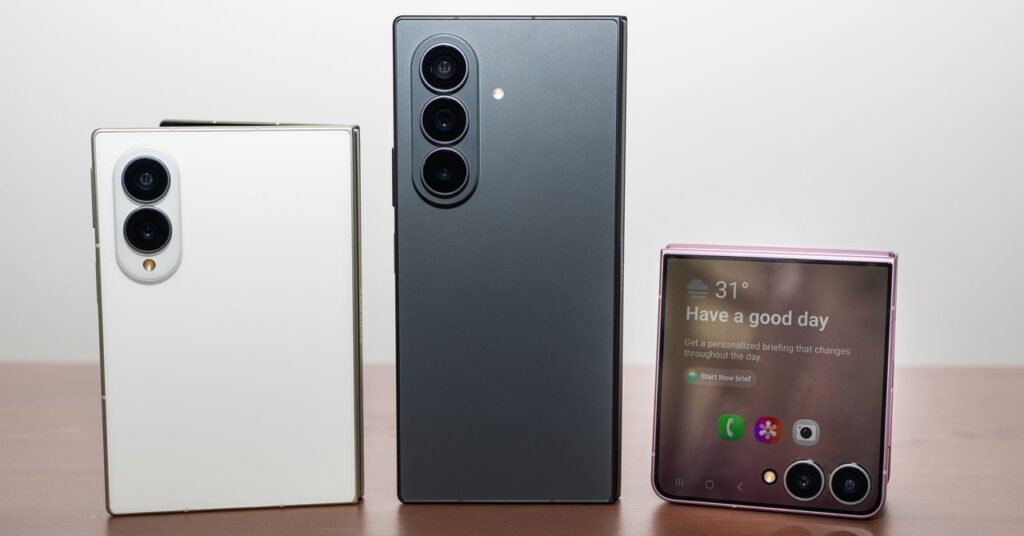
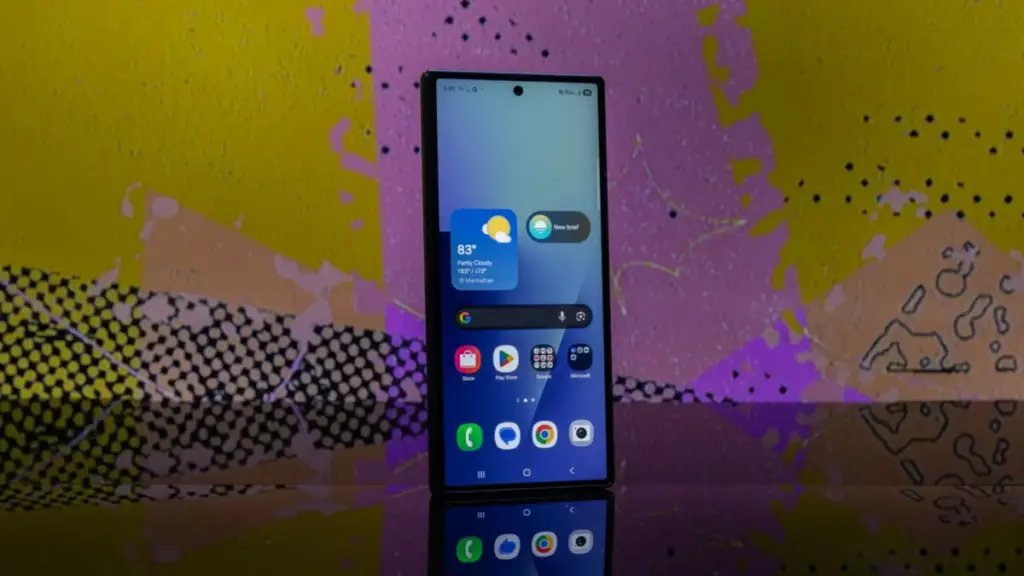
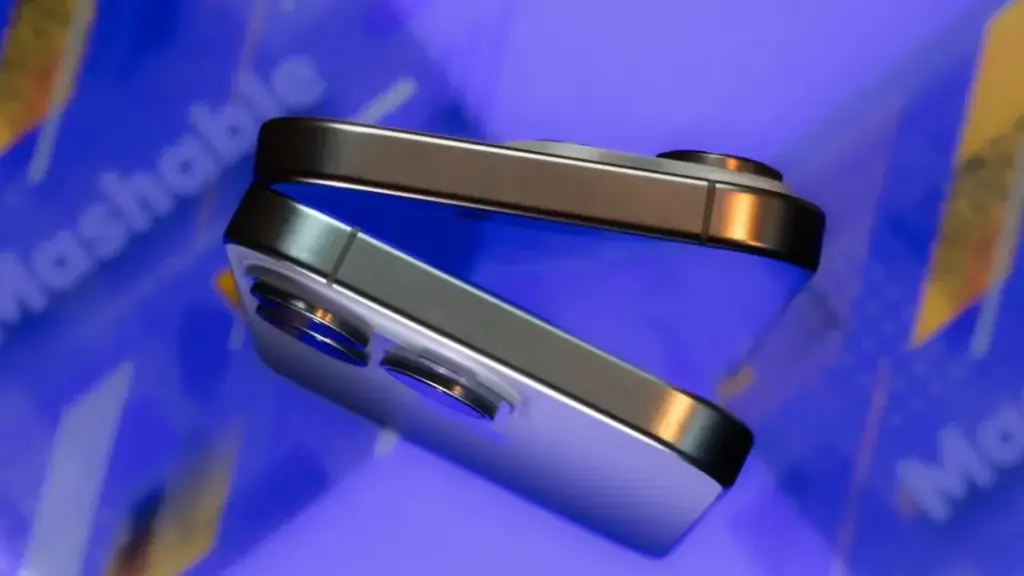
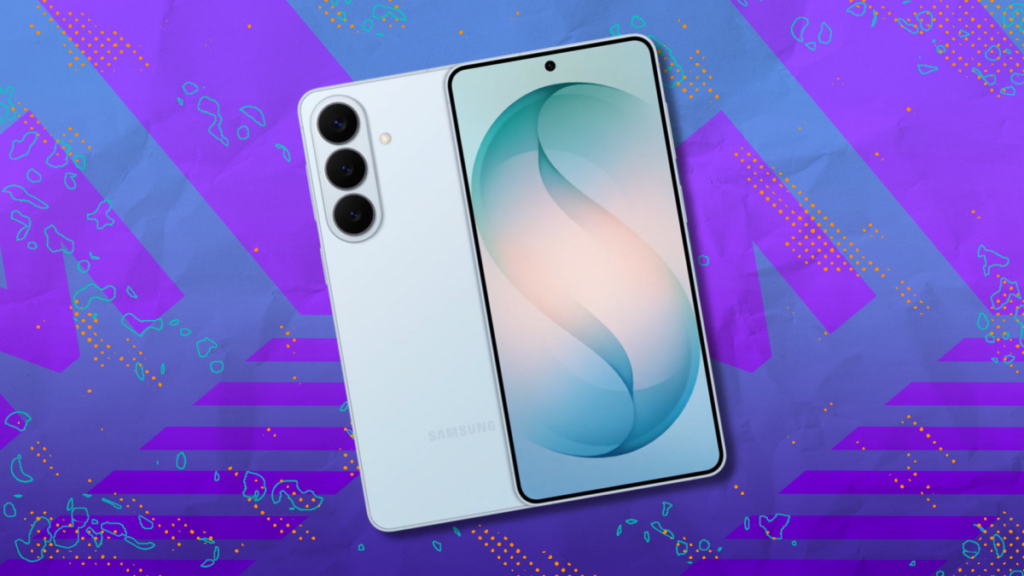
If you buy the new Pixel 11 Pro, you might have to proactively tell people that you bought the latest phone, unless they are following each and every launch. The main reason is that the Pixel 11 doesn’t look that different from prior models. The main updates to its aesthetics are its new colors, which are admittedly gorgeous, and the addition of a small glowing light on the back of the phone, which has limited use.
The phone arrives with some new Gemini features, but I’m not sure if AI chops are attracting customers to buy new phones these days. In daily use, what you may notice is that the Pixel 11 Pro’s cameras are snappier, and there are more options for you to customize the way your photos look. Otherwise, the Pixel 11 Pro XL feels like the previous-gen phone had a big Pixel Drop update.
I have used the Obsidian Pixel 11 Pro XL for nearly a week, and so far, I can say that despite the relatively iterative updates, the phone is still solid and feels good to use.
Rambler
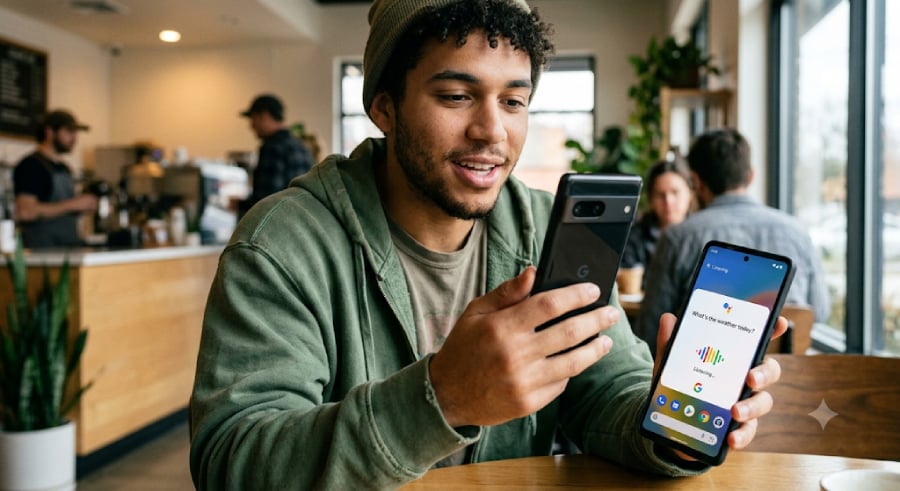
Rambler is one of my favorite new features on the Pixel 11 Pro XL. This new, AI-powered dictation tool takes out filler words like “um” and “ah” and formats your speech. The feature directly takes on other dictation apps like Wispr and Willow.

The dictation tool also handles switching between languages and noisy environments well.
Though it might make its way to some other devices, if you have a Pixel, this is a very cool and useful feature that you could end up using daily, compared with some of the other AI features.
For the last year, I have used dictation tools frequently to take quick notes, reply to emails, and messages on devices that I use. Google’s tool is on par with a few of the top tools in the industry, I found. (The tool is so good that I have pretty much rambled my way into writing this section without needing any edits!)
Gemini updates
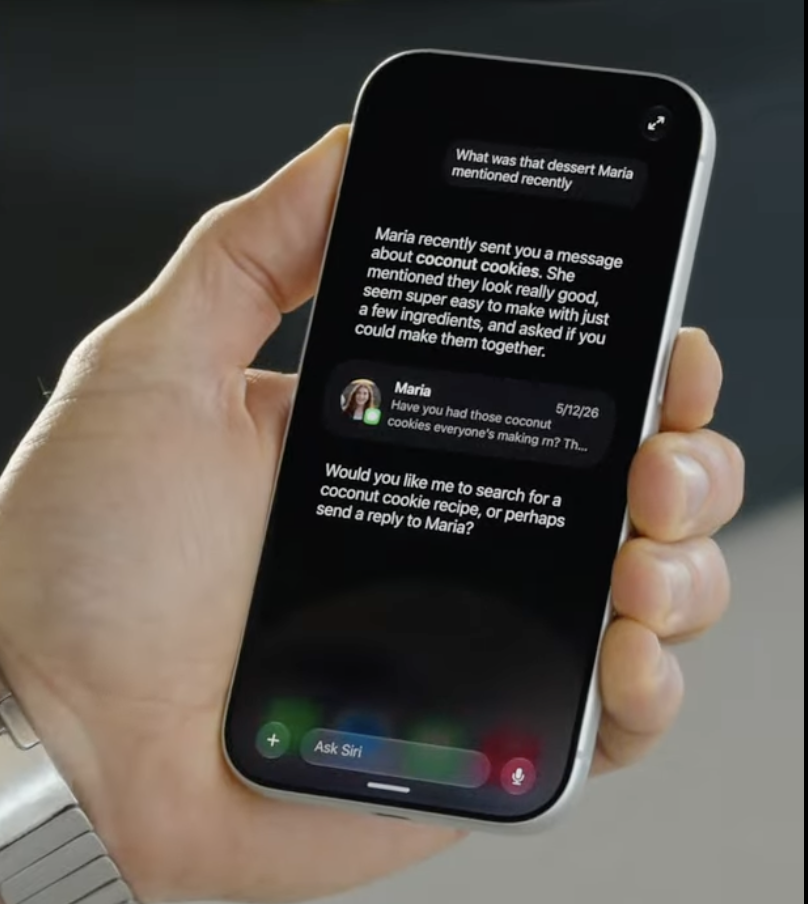
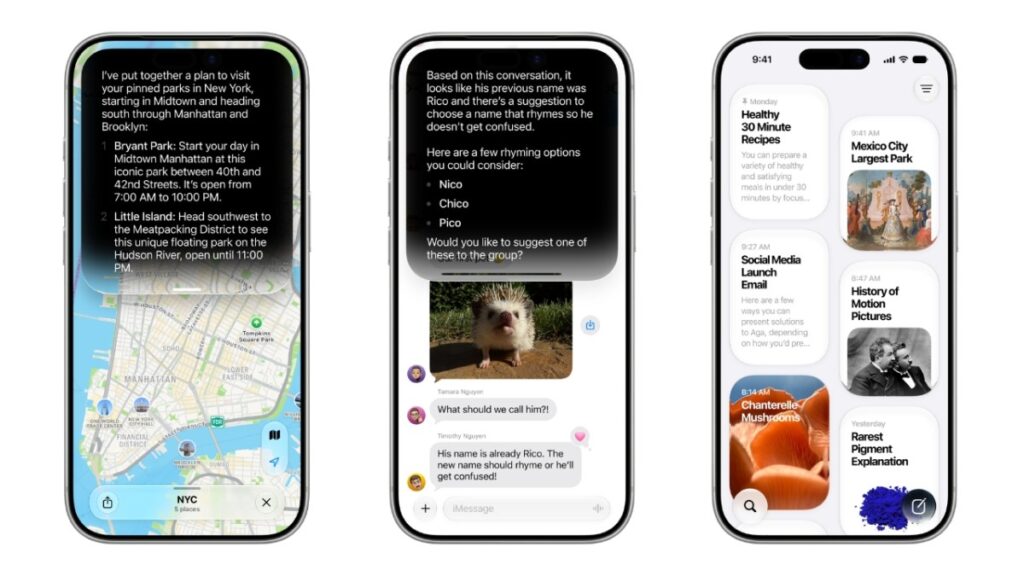
I’ve just had the phone for five days, so the Proactive Suggestions feature, designed to surface context-aware suggestions from apps, didn’t yet show up everywhere. I did see it when I conversed with friends over text messages, when they were asking me about my schedule. My only gripe is that I’d want Gemini to know about all my calendars, not just Google’s, and suggest my availability based on that.
Suggestions also don’t always show up. For instance, when someone asked for my address, Gemini should have picked that up from my emails, but it didn’t.
In addition, Gemini offers agentic capabilities that can help you with completing some tasks, such as placing a food order for you. But this feature is available in the U.S., and as I am based in India, I couldn’t test it.
The new Live Translate feature is useful for when you are watching a live stream or a video without translated captions. However, you will need to download specific languages.
HiLight is not really a highlight
One of Google’s marketing messages this year was about how it designed Pixel to make you look at your screen less.
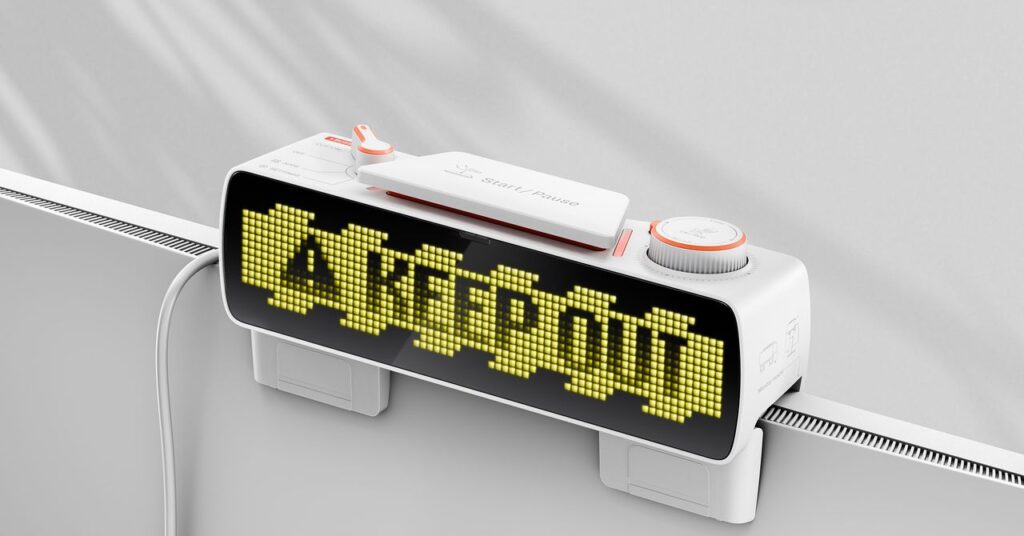
The company has only one feature to show for it called HiLight, an LED notification light on the back of the phone that replaced last year’s temperature sensor. The feature allows you to keep your phone face down, while delivering subtle alerts by way of the light.
The light itself looks cool when active as it lights up in green, yellow, pink, purple, or white. But a big limitation is that it only works when you activate Gemini or get phone calls from your favorite contacts, not texts.
The light can also indicate that Gemini is listening or thinking. This may be useful to know that Gemini is processing information after you have asked it to execute a complex task. But besides that, I can only think of a few scenarios when my phone is face down, and I’m not wearing any earbuds to listen for the activation sound, but still need to know if Gemini is active.

Besides, for favorite callers, you can always set a special ringtone. There may be only a few occasions when your phone is on silent, and if you haven’t set up calls from close people to get through, and you are paying attention to a light on the back of the phone.
This feature is ripe for future customization, however, so hopefully it continues to be developed. I would like to one day choose a color for when I get a text or WhatsApp message from my contacts. Plus, if I can assign different colors for different apps, I would know if I need to pick up my phone or if I can tackle that task later.
Pixel’s cameras are snappy
Google decided to opt for a larger sensor for both the main and the telephoto sensors compared with the Pixel 10 Pro XL. On paper, this change means cameras can let in more light and, in turn, capture more details. (I didn’t pixel-peep to confirm this). However, thanks to the new processor and software updates, the camera app and capture feel snappy, and you can take photos faster.
Google also made Night Sight, its low-light photography mode, faster, which means you don’t have to hold the phone with the subject in focus for as long and can more easily avoid blurry photos.


Google’s Pro Res Zoom feature, which uses AI to upscale some parts of the photo when you go above 30x digital zoom on Pro XL, has been improved. The maximum zoom level was 100x last year, and now it is 120x. It is tough to keep your hand steady and take a legible photo, even after all the AI magic, if the subject is across the street. But for a lower zoom range, you get a usable photo.
One of the marquee features of this year’s camera release is called Looks, which acts like filters, but Google claims that it’s changing the way the computational photography pipeline works on the phone.
There are four core default looks called original, natural, shadows, and vanilla that you can select from the settings menu. You can also switch between other Looks called editorial, classic (with more grain), digi (reminds you of old digital cameras), black tie, and minimal.


On the Pixel 11, one-touch quick access controls are customizable, so I could swap out white balance for ISO to appear directly. I could also quickly access Looks through this section and take photos in different styles.
Another new addition to the feature set is Magic Capture, which lets you initiate a video clip and use AI to pull out top moments from the clip that could be saved as photos. This is great for capturing wiggly things like babies or pets, or action shots, as in sports. There are a few limitations, though — the mode doesn’t do well with moving subjects and saves photos only in 12-megapixel resolution.
I have two cats and a dog, so I am going to use this feature frequently! I’ll leave you with a picture of my cat trying to catch a feather, saved by Magic Capture.

Price
Unfortunately, the component crunch has forced hardware companies to raise device prices. Google scrapped the 128GB base model, and while it priced the 256GB model the same as last year’s version for the Pixel 11 and the Pixel 11 Pro, it reduced the RAM size from 16GB to 12GB for both.
The Pixel 11 Pro XL also got a $100 bump from last year’s price.
Because of this, the new Pixels don’t incentivize gadget enthusiasts to upgrade from last year’s phone, despite being solid devices. The camera improvements are notable, and Rambler is great, but some of this will likely trickle down to older Pixels in the future.
When you purchase through links in our articles, we may earn a small commission. This doesn’t affect our editorial independence.